
3DeVOK scanner packages, configured for the way you work.
Compare practical scanner and software bundles for reverse engineering, product development and body scanning.
Choose from clear 3DeVOK packages designed to help you capture, use and work with 3D data more easily — with scanner-only and QuickSurface reverse engineering bundle options available.
Start with the 3DeVOK scanner that fits your workflow.
All packages include the wireless handle and 3DeVOK Studio Scanning Software as standard. Choose your scanner first, then select whether you need scanner only, a 1-year QuickSurface Reverse Engineering Software licence or a permanent QuickSurface Reverse Engineering software licence.
Start Bundle
 MQ
MQ
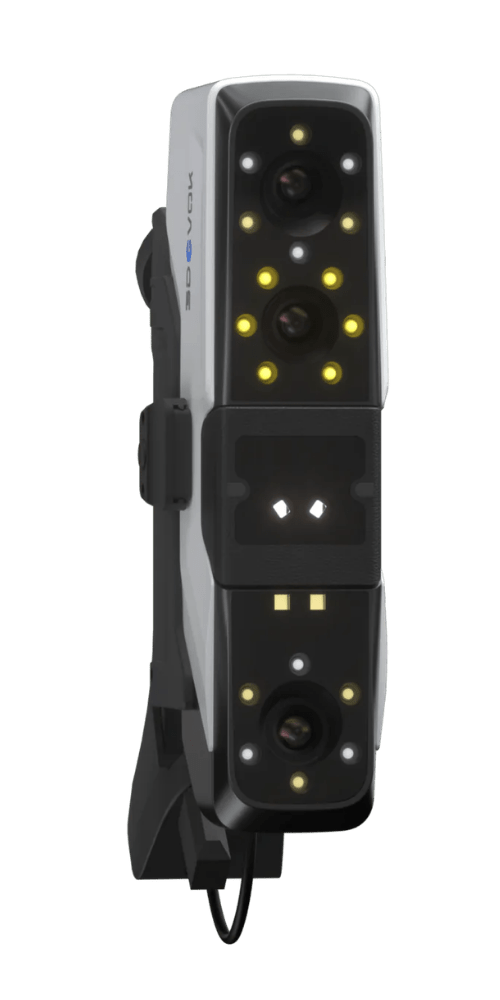
- Medical & body scanning
- Easy-to-use scanning workflow
- Perfect entry-level solution
Professional Bundle
MT
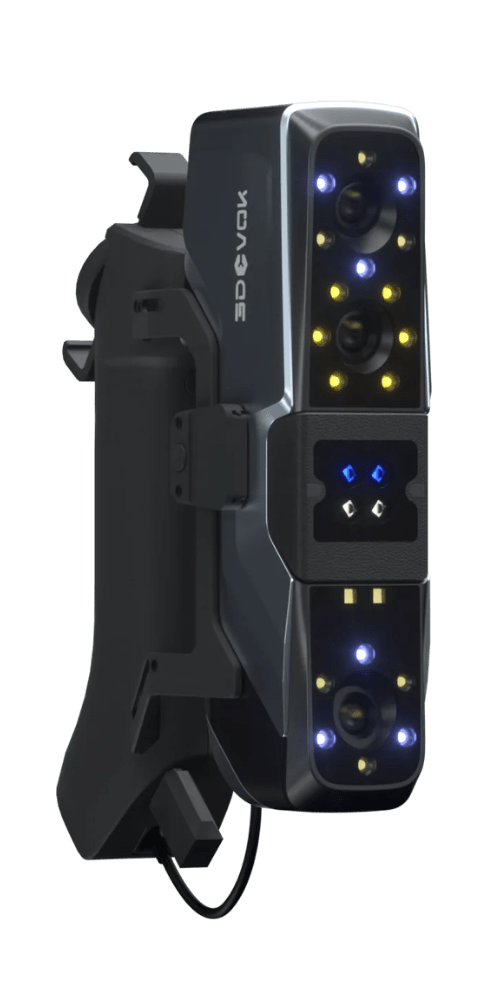
- Professional blue laser scanning
- Scans dark & shiny surfaces
- Enhanced capability & flexibility
Elite Bundle
MT Gen2
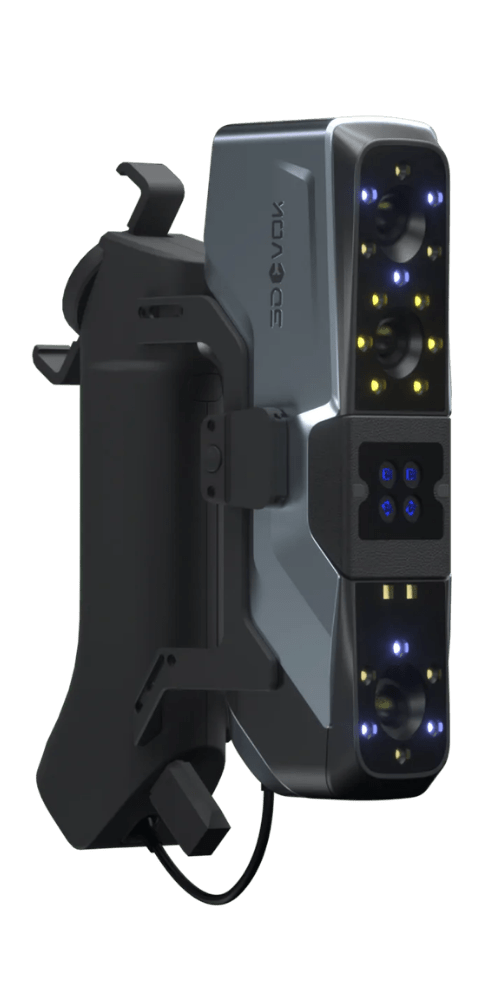
- Multi-mode blue laser technology
- Highest accuracy & detail capture
- No-compromise scanning performance
Need help choosing your 3DeVOK scanner?
Watch our video to find out which scanner is right for your application.
Choose Your Reverse Engineering Software Set Up
MQ
- Already have reverse engineering software
- Only require STL files
- Use another CAD system
MQ
1 Year License For

- Lower upfront cost
- New to reverse engineering
- Want editable CAD models
MQ
Permanent License For
- Regular reverse engineering
- Long-term value
- No ongoing software costs
Choose Your Reverse Engineering Software Set Up
MT
- Already have reverse engineering software
- Only require STL files
- Use another CAD system
MT
1 Year License For
- Lower upfront cost
- New to reverse engineering
- Want editable CAD models
MT
Permanent License For
- Regular reverse engineering
- Long-term value
- No ongoing software costs
Choose Your Reverse Engineering Software Set Up
MT Gen2
- Already have reverse engineering software
- Only require STL files
- Use another CAD system
MT Gen2
1 Year License For
- Lower upfront cost
- New to reverse engineering
- Want editable CAD models
MT Gen2
Permanent License For
- Regular reverse engineering
- Long-term value
- No ongoing software costs
Which 3DeVOK scanner is right for you?
Compare the MQ, MT and MT Gen2 at a glance to understand which scanner is best suited to your application, workflow and accuracy requirements.
| Compare |
Start Bundle
3DeVOK MQ
From £2,644
|
Professional Bundle
3DeVOK MT
From £6,345
Most popular
|
Elite Bundle
3DeVOK MT Gen2
From £6,644
|
|---|---|---|---|
| Best suited for | Best for human body scanning, medical applications and users taking their first step into professional 3D scanning. | Best for businesses that need greater accuracy, flexibility and the ability to scan dark, shiny and reflective surfaces with blue laser technology. | Best for users who need the most capable scanner in the range, with enhanced accuracy, finer detail capture and greater flexibility for complex materials, geometries and high-precision reverse engineering tasks. |
| Accuracy | Up to 0.08 mm | Up to 0.04 mm | Up to 0.03 mm |
| Scanning modes | Dual-light scanning: 22 cross infrared laser lines and large-FoV infrared speckle. | Triple-light scanning: 34 cross blue laser lines, 22 cross infrared laser lines and large-FoV infrared speckle. | Quad-light scanning: 34 cross blue laser lines, 11 parallel blue laser lines, single blue laser line and large-area infrared speckle. |
| Marker-free scanning | ✓ Yes | ✓ Yes | ✓ Yes |
| Wireless handle | ✓ Included as standard | ✓ Included as standard | ✓ Included as standard |
| Software options | 3DeVOK Studio Scanning Software only, 3DeVOK Studio Scanning Software plus 1-year QuickSurface licence or 3DeVOK Studio Scanning Software plus permanent QuickSurface licence. | 3DeVOK Studio Scanning Software only, 3DeVOK Studio Scanning Software plus 1-year QuickSurface licence or 3DeVOK Studio Scanning Software plus permanent QuickSurface licence. | 3DeVOK Studio Scanning Software only, 3DeVOK Studio Scanning Software plus 1-year QuickSurface licence or 3DeVOK Studio Scanning Software plus permanent QuickSurface licence. |
| Choose this if | You're primarily focused on human body scanning, prosthetics, orthotics and other medical applications, with the simplicity to get started quickly. | You need greater accuracy and flexibility, including the ability to capture dark, shiny and reflective surfaces with blue laser technology. | You want the most capable scanner in the range, with advanced blue laser modes for higher accuracy, finer detail capture and more demanding reverse engineering or industrial design workflows. |
| Scanner overview videos | Watch the video Is the 3DeVOK MQ right for you? | Watch the video Is the 3DeVOK MT right for you? | Watch the video Is the 3DeVOK MT Gen2 right for you? |
More than a scanner in a box.
Buying through T3DMC gives you a practical scanning setup, configured around your application — with guidance, support and expertise to help you choose the right route from the start.
Practical package guidance
We help you understand whether scanner only, a 1-year software licence or a permanent QuickSurface licence makes most sense for your workflow.
Configured for your application
Choose from MQ, MT and MT Gen2 packages based on what you need to scan, the data quality required and how you plan to use the output.
Support from real scanning specialists
You’re not just buying from a reseller catalogue. You get access to a team that understands 3D scanning, reverse engineering and practical data workflows.
Clear, honest, straight-forward advice
We aim to make the buying journey clearer with product guidance, comparison content, video explainers and support when you need an informed second opinion.
What can you use 3DeVOK for?
All 3DeVOK bundles provide an easy-to-use, professional 3D scanning solution, enabling you to capture high-quality data for everything from human body scanning and medical applications to reverse engineering, design and manufacturing.
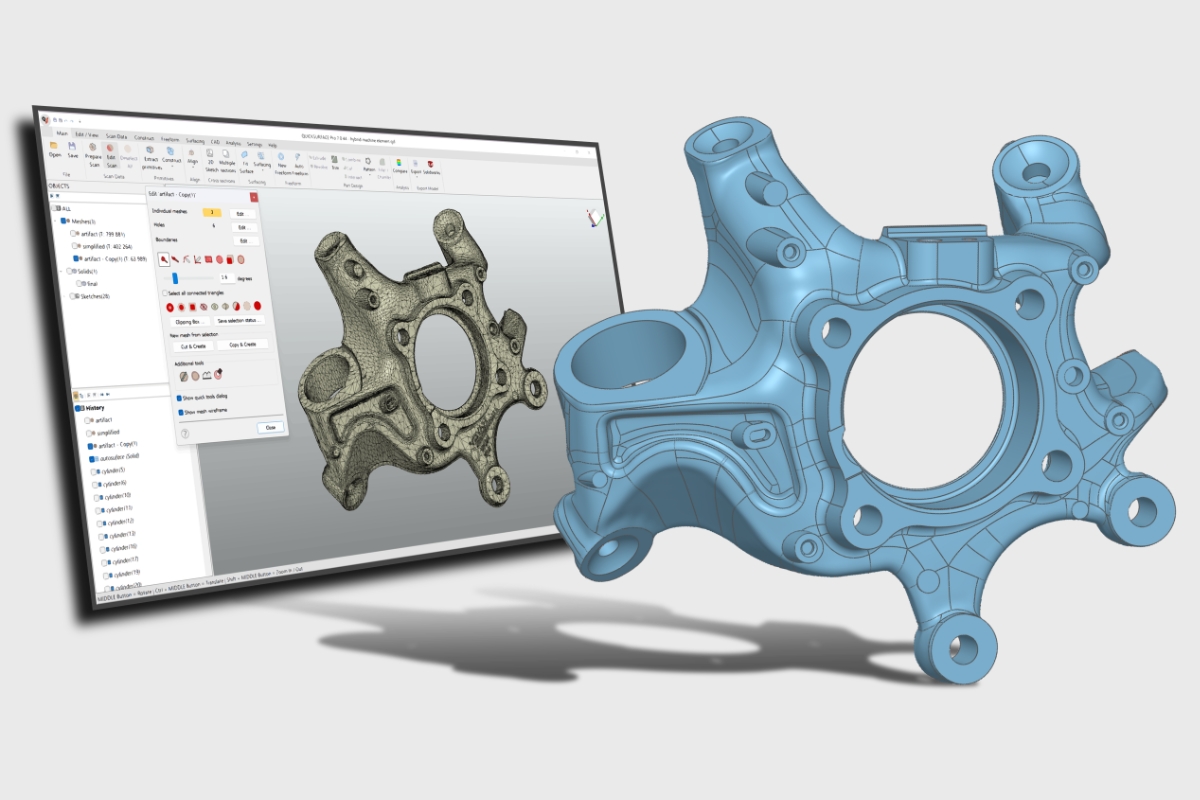
Reverse engineering
Capture real-world geometry and turn scan data into editable CAD models with a practical scanner and QuickSurface workflow.
- Legacy parts and components
- Freeform surface capture
- Scan-to-CAD workflows
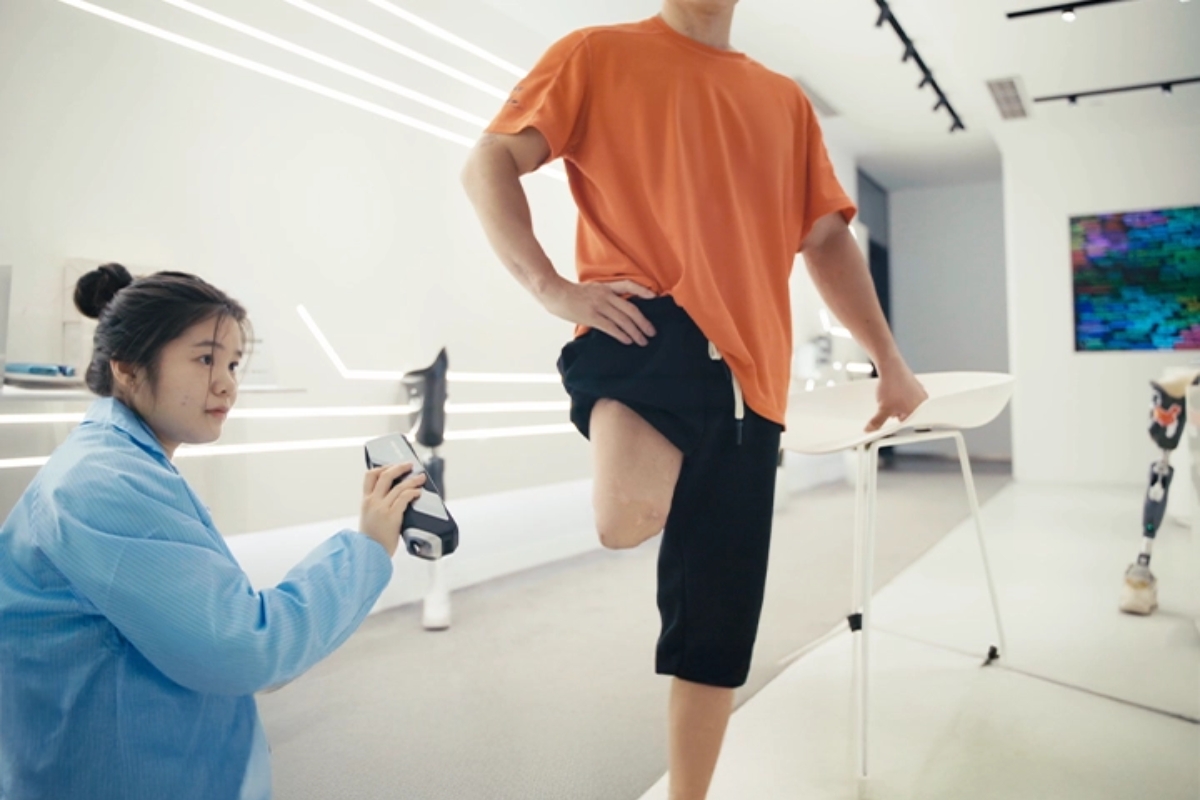
Body scanning
Quickly capture accurate 3D scans of people and body parts for healthcare, custom fitting and digital applications.
- Full body and body part scanning
- Healthcare and prosthetics
- Fast and comfortable scanning experience
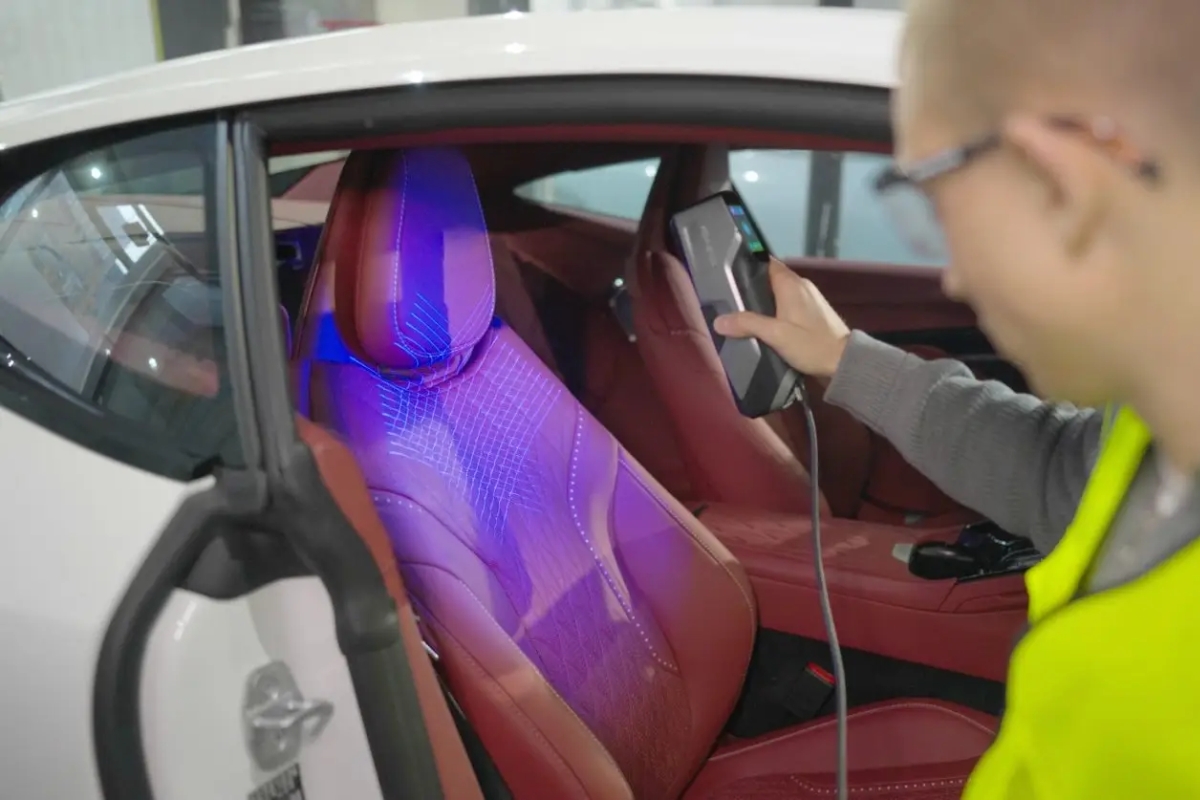
Automotive & custom parts
Scan vehicle parts, modified components and custom surfaces for design, fitment, fabrication and reverse engineering workflows.
- Custom modifications
- Replacement part design
- Medium-to-large components
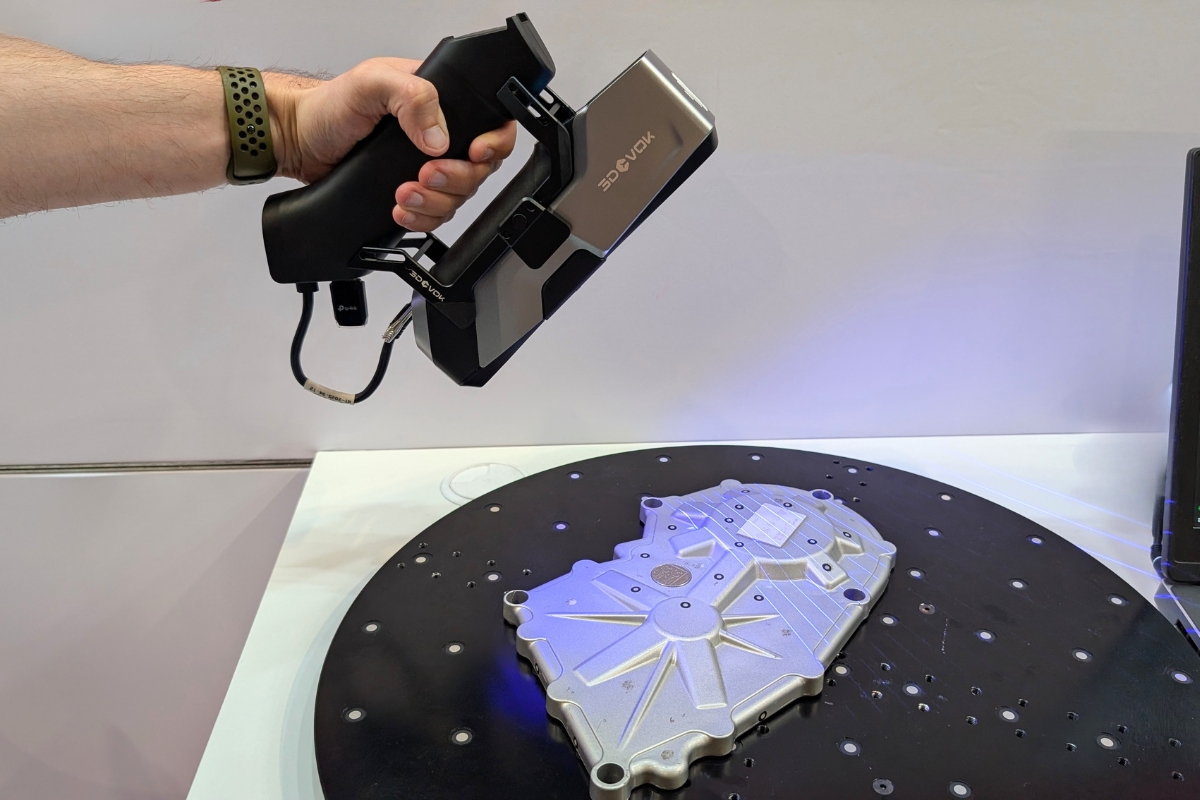
Castings & manufactured parts
Capture complex manufactured shapes, cast parts and surfaces that are difficult to measure manually or recreate from drawings.
- Complex geometry capture
- Reduced manual measuring
- Useful data for CAD workflows
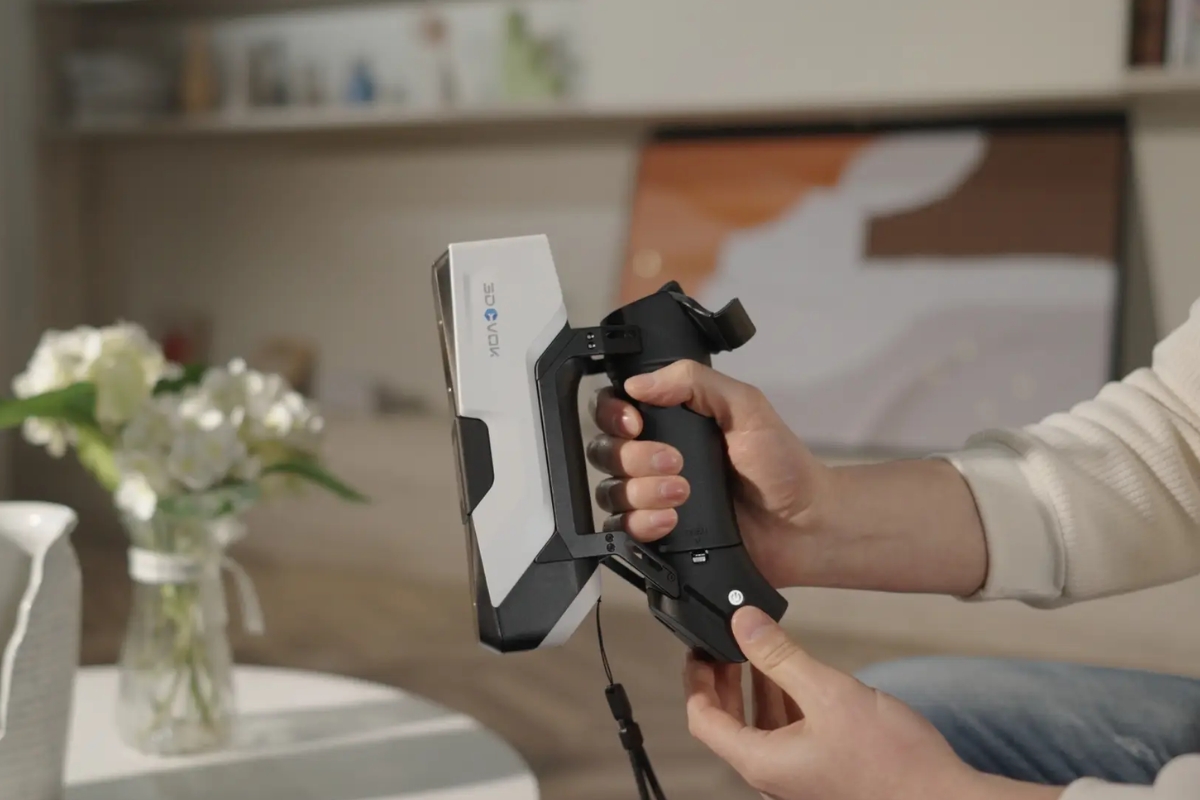
Heritage & creative projects
Digitise sculptures, artefacts, textured objects and creative forms for archiving, restoration, visualisation or reproduction.
- Cultural heritage objects
- Art, design and sculpture
- Colour and texture capture
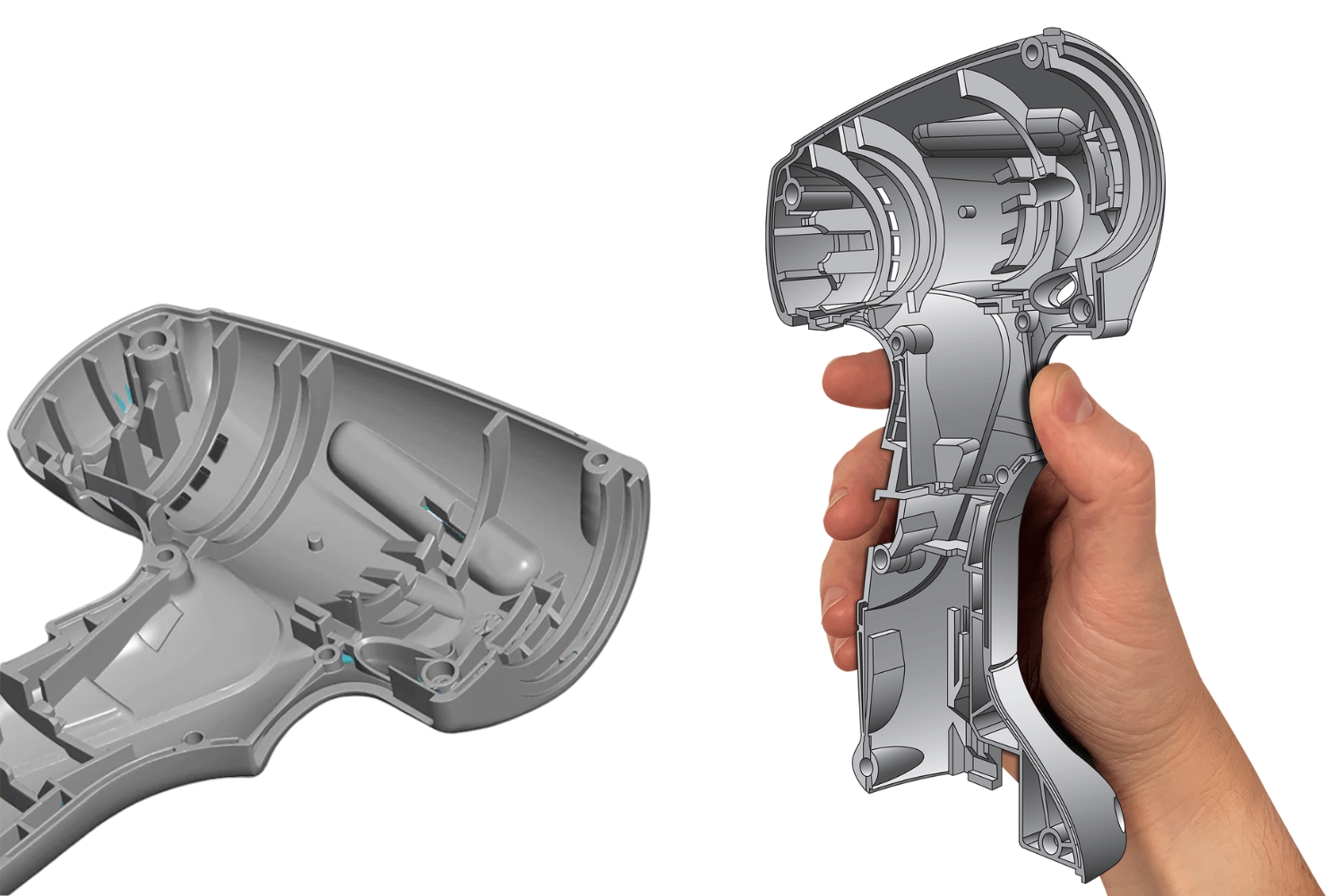
Prototyping & product development
Support faster product development by capturing real objects, refining designs and creating usable data for modelling or 3D printing.
- Product design workflows
- 3D printing and iteration
- Design validation and refinement
Common questions about 3DeVOK scanners and bundles.
Find quick answers on pricing, software, scanner suitability, workflows and what to consider before choosing your 3DeVOK package.
Prefer a quick walkthrough?
Watch our short FAQ video for a practical overview of the key questions customers usually ask before choosing a 3DeVOK scanner package.
How much does a 3DeVOK scanner package cost?
Current scanner packages start from:
- Start Bundle: 3DeVOK MQ with wireless handle — from £2,644 + VAT
- Professional Bundle: 3DeVOK MT with wireless handle — from £6,345 + VAT
- Elite Bundle: 3DeVOK MT Gen2 with wireless handle — from £6,644 + VAT
QuickSurface software can also be added as either a 1-year licence or permanent licence depending on your workflow.
What’s included in the package?
See what comes in the box.
Watch a quick walkthrough of what’s included with your 3DeVOK package, including the scanner, wireless handle, carry case, accessories and 3DeVOK Studio scanning software.
Each 3DeVOK scanner bundle includes:
- Your chosen 3DeVOK scanner: MQ, MT or MT Gen2
- A protective carry case
- The Wireless Handle bundle with all required accessories for completely cable-free scanning
- 3DeVOK Studio scanning software
For a complete scanning and reverse engineering workflow, QuickSurface can also be added as either a 1-year subscription licence or a perpetual licence.
This gives you a full end-to-end solution for 3D scanning, mesh processing and reverse engineering.
Can I buy online?
Yes, absolutely. You can select your chosen bundle from the package section on this page and follow the link through to buy online.
Each bundle has been created to make it easier to choose the right scanner and software setup without needing to request a custom quote first.
Is training included?
Yes. Training is provided through a comprehensive library of video tutorials covering both 3DeVOK Studio and QuickSurface.
- Step-by-step video guides for 3D scanning
- QuickSurface reverse engineering tutorials
- Tips and best practices to help you get the best results
- Suitable for both beginners and experienced users
The 3DeVOK scanners are designed to be intuitive and easy to use, so most users are up and scanning within a very short time. The training resources are designed to help you get started quickly and confidently.
What warranty is included?
All 3DeVOK scanners come with a 12-month hardware warranty, providing peace of mind and protection against manufacturing defects under normal use.
If you experience any hardware issues during the warranty period, our team will be on hand to assist with troubleshooting and support.
Is 3DeVOK metrology-grade?
No. The 3DeVOK is not a metrology-grade scanner in the strict sense of the term.
However, it offers excellent accuracy and consistency for reverse engineering, human body scanning, digital archiving, product design and basic inspection tasks. For most users, it provides more than enough performance without the cost and complexity associated with fully traceable metrology-grade systems.
If your application requires certified, traceable measurements to recognised metrology standards, a dedicated metrology-grade scanner would be more appropriate. For reverse engineering and general scanning applications, the 3DeVOK is an excellent and cost-effective solution.
Can 3DeVOK be used for reverse engineering?
Yes. The 3DeVOK is an excellent tool for reverse engineering applications, allowing you to quickly capture accurate 3D scan data of existing parts and components.
- Scan parts and assemblies to create digital models
- Generate meshes for CAD reconstruction
- Compare manufactured parts against original designs
- Speed up product development and redesign projects
For a complete reverse engineering workflow, the 3DeVOK can be paired with QuickSurface, enabling you to convert scan data into editable CAD geometry for manufacturing, modification and design purposes.
Can it scan dark, shiny or reflective parts?
Yes, but the capability depends on the scanner model and the surface being scanned.
- 3DeVOK MQ: For dark, shiny or reflective components, you will typically need to apply scanning spray to achieve the best results.
- 3DeVOK MT: The blue laser technology offers excellent material adaptability and can scan many dark and reflective surfaces with little or no scanning spray required.
- 3DeVOK MT Gen2: Designed for the most challenging materials and environments, it can capture dark, shiny and reflective surfaces with minimal reliance on scanning spray.
For users who regularly scan metal, machined, polished or other difficult surfaces, we generally recommend the MT or MT Gen2 models.
Does it require targets or markers?
No. All 3DeVOK scanners support both marker-based and marker-free scanning modes, allowing you to choose the workflow that best suits your application.
- Human body scanning: Markers are typically not required.
- General scanning: Many parts can be scanned successfully without markers using feature or texture alignment.
- Highest accuracy and scan quality: We recommend using markers, as they can improve tracking stability and overall scan accuracy.
Ultimately, whether markers are required depends on the object being scanned and the level of accuracy needed. All 3DeVOK models provide the flexibility to scan both with and without markers.
What computer specifications do I need?
The 3DeVOK Studio software runs on Windows 10 or Windows 11, 64-bit, and benefits from a dedicated NVIDIA graphics card for the best scanning performance.
Minimum requirements:
- CPU: Intel® Core™ i7-10750H @ 2.60GHz
- Memory: 32GB RAM, with 32GB+ virtual memory recommended
- GPU: NVIDIA GeForce GTX 1660 Ti with 6GB VRAM
- Operating system: Windows 10, 64-bit
Recommended specifications:
- CPU: Intel® Core™ i7-13650HX or above
- Memory: 32GB RAM or more, with 64GB+ recommended for medium to large scanning projects
- GPU: NVIDIA RTX 3060 or above with 6GB+ dedicated VRAM
- Operating system: Windows 10 or Windows 11, 64-bit
A recommended-specification system will provide higher frame rates, improved detail capture, faster data processing and the best overall scanning experience.
Do I need QuickSurface software with my scanner?
Not always. If you already have suitable software, only need STL files, or use another CAD system, the base scanner package may be enough.
If you want to move from scan data into editable CAD models for reverse engineering, a 1-year or permanent QuickSurface licence may be the better route.
Which software packages is it compatible with?
The 3DeVOK is a software-neutral 3D scanner, meaning it can work with virtually any software that supports common 3D scan file formats.
3DeVOK scanners support industry-standard output formats including:
- STL
- OBJ
- PLY
- ASC
- Other common scan data formats
As a general rule, if your software can import STL, OBJ, PLY or ASC files, it will be compatible with the 3DeVOK. This makes it suitable for a wide range of CAD, reverse engineering, inspection and 3D modelling applications.
Do I need the wireless handle?
No, the 3DeVOK can be used as a wired scanner. However, once you have experienced wireless scanning, it is difficult to go back.
The Wireless Handle eliminates the need for a cable running between the scanner and your laptop, which means:
- Greater freedom of movement while scanning
- A more efficient and comfortable workflow
- No trailing cable to restrict access around parts
- Reduced risk of cable damage or trip hazards
While wired scanning is possible, it can limit flexibility and make certain scanning tasks more awkward. That is why every 3DeVOK bundle from T3DMC includes the Wireless Handle as standard, giving you the best possible scanning experience straight out of the box.
Still deciding which package is right for you?
Compare the three 3DeVOK scanner packages or review the software setup options before choosing your bundle.
3DeVOK in practice: New Cross Hospital.
See how the Oral and Maxillofacial Surgery team at New Cross Hospital explored a faster, non-contact approach to facial scanning with the 3DeVOK MT.
From physical impressions to digital facial capture.
Traditional facial impressions can be intrusive, uncomfortable and difficult to repeat. At New Cross Hospital, the team explored how 3DeVOK MT could help capture facial geometry quickly and without physical contact.
The result is a practical proof point for clinical prosthetics, body scanning and other workflows where patient comfort, digital reproducibility and fast capture matter.
Under-a-minute capture
Facial geometry can be captured quickly, helping reduce movement and improve the patient experience.
Non-contact scanning
A more comfortable alternative to traditional impressions, especially for sensitive or post-surgical patients.
Digital reproducibility
Scan data can support prosthetics, planning, archiving and repeatable digital workflows.
Reduced CT reliance
Digitising within the lab can help reduce reliance on CT scheduling for non-diagnostic digital capture.
“Moving from an intrusive alginate impression to a sixty-second non-contact scan transforms the patient experience from an ordeal into a simple consultation.”
Compare your options and choose the 3DeVOK setup that fits your workflow.
You’ve seen the scanner options, software bundles, applications, FAQs and real-world proof. Now head back to the package section to choose the scanner and software setup that best matches what you need to scan.